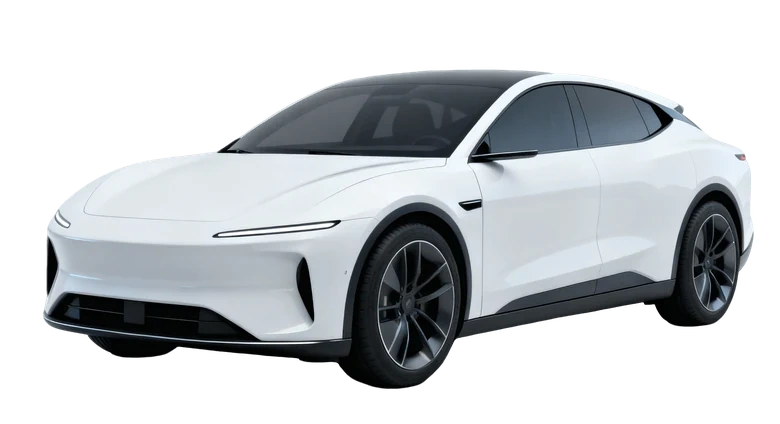
Turn any head-unit screeninto a refined smart cockpit.
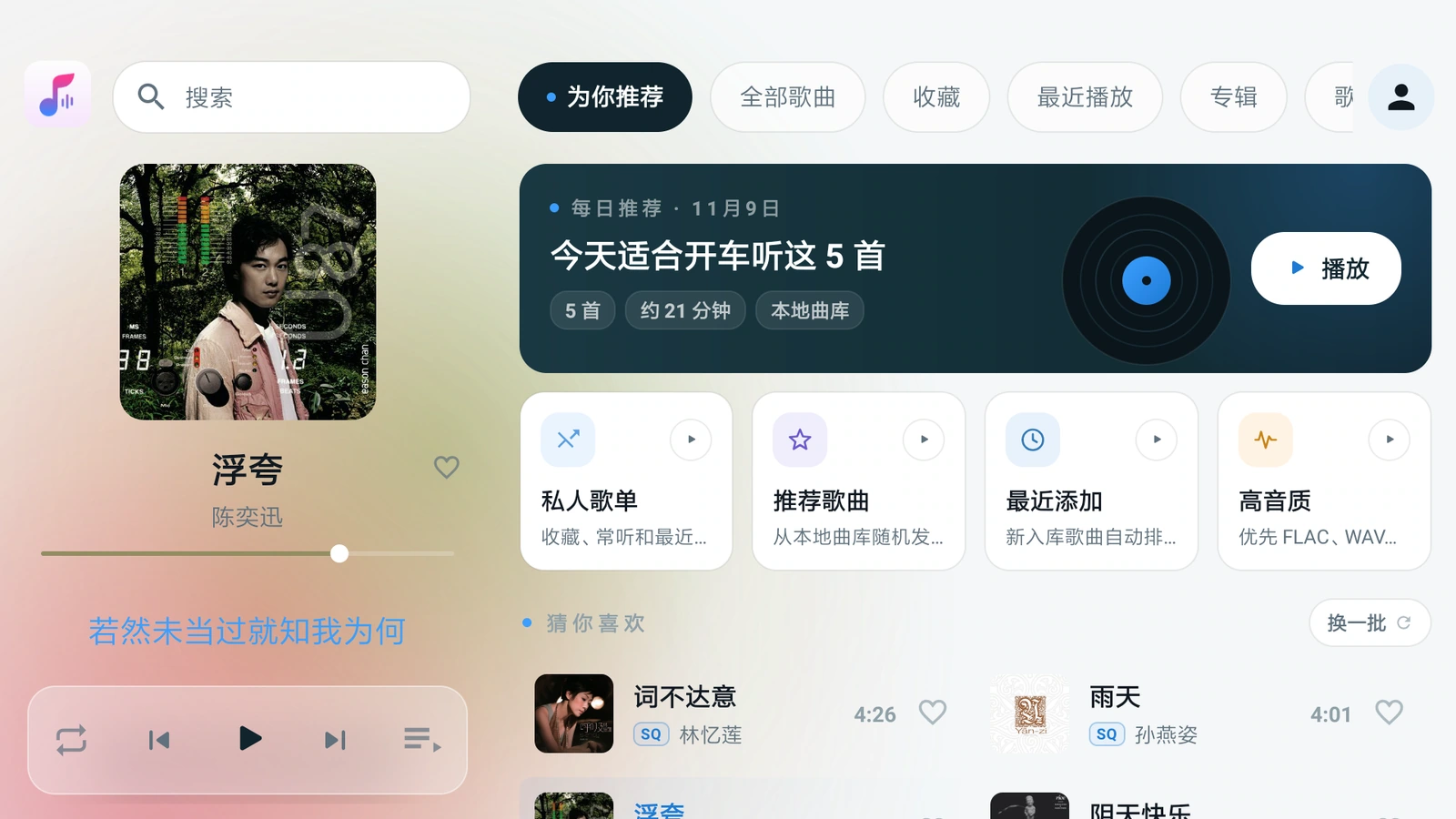
Bring navigation, lossless music, smart routines and vehicle status onto one calm, glanceable home screen—crisp by day, glare-free at night, and connected in WeChat when you step out.
Six Cockpit LayoutsTailored for landscape, portrait & wide screens
02
PiP & Smart IslandTurn cues, artwork & lyrics in one view
03
Automated RoutinesAuto-play music & routes on ignition
04
WeChat CompanionParked location, trip logs & family share
COCKPIT EXPERIENCE
Effortless at the wheel.Thoughtful beyond the drive.
Six capability pillars shaped around real driving moments—keeping everyday controls one tap away.
NAVIGATION & AUDIO
Clear routes. Seamless soundtrack.
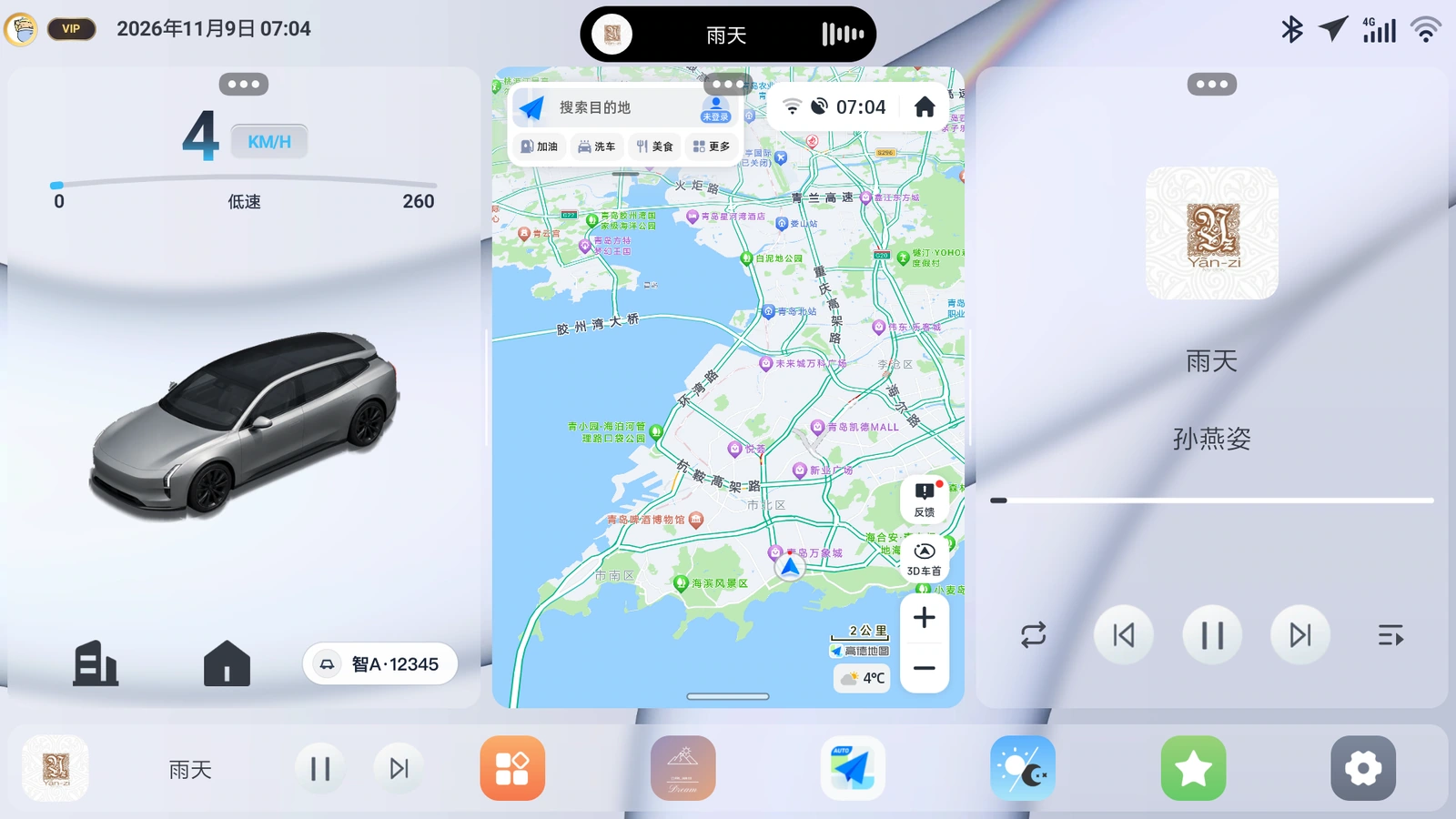
Pair compatible navigation apps and blended floating maps with Smart Island for turn cues, signal countdowns and lyrics—plus zero-permission direct bridge with SmartMusic.
Smart Island · Live turn cues & playback in one capsule
STYLING & AMBIENCE
Styled for your dash, day and night.
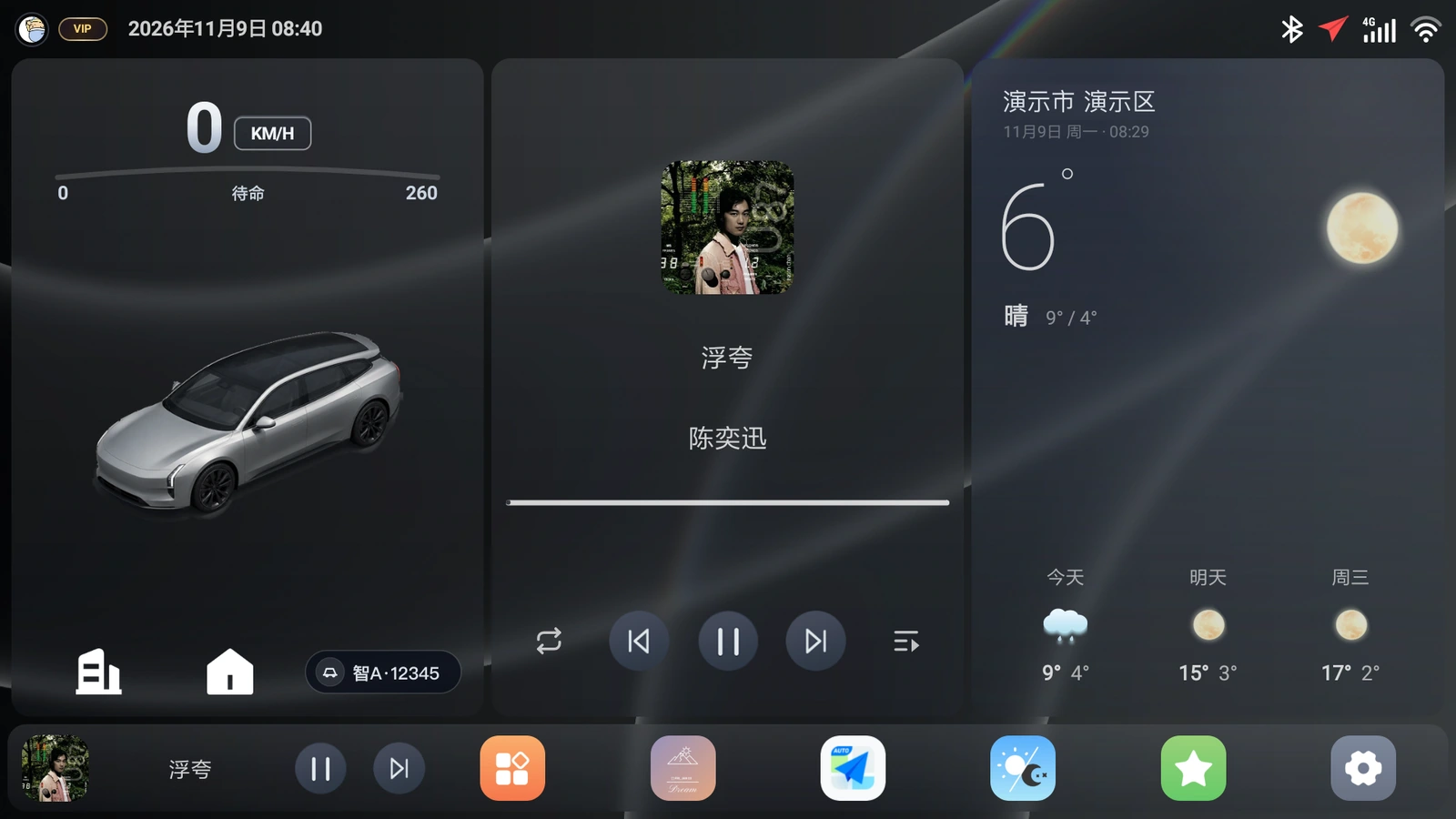
Combine official wallpapers, Bing picks, cockpit clocks and car models, or import local photos and videos—with automatic day/night switching by sunset or headlight signal.
Automate your startup ritual by boot, wake, schedule, Bluetooth or Wi-Fi—chaining music, home/work routes, brightness, volume and app launches in sequence.
Edit in WeChat, start from templates, or import shared routine codes
FILES, TRANSFER & DISPLAYS
USB drives, iPhone & secondary screens.
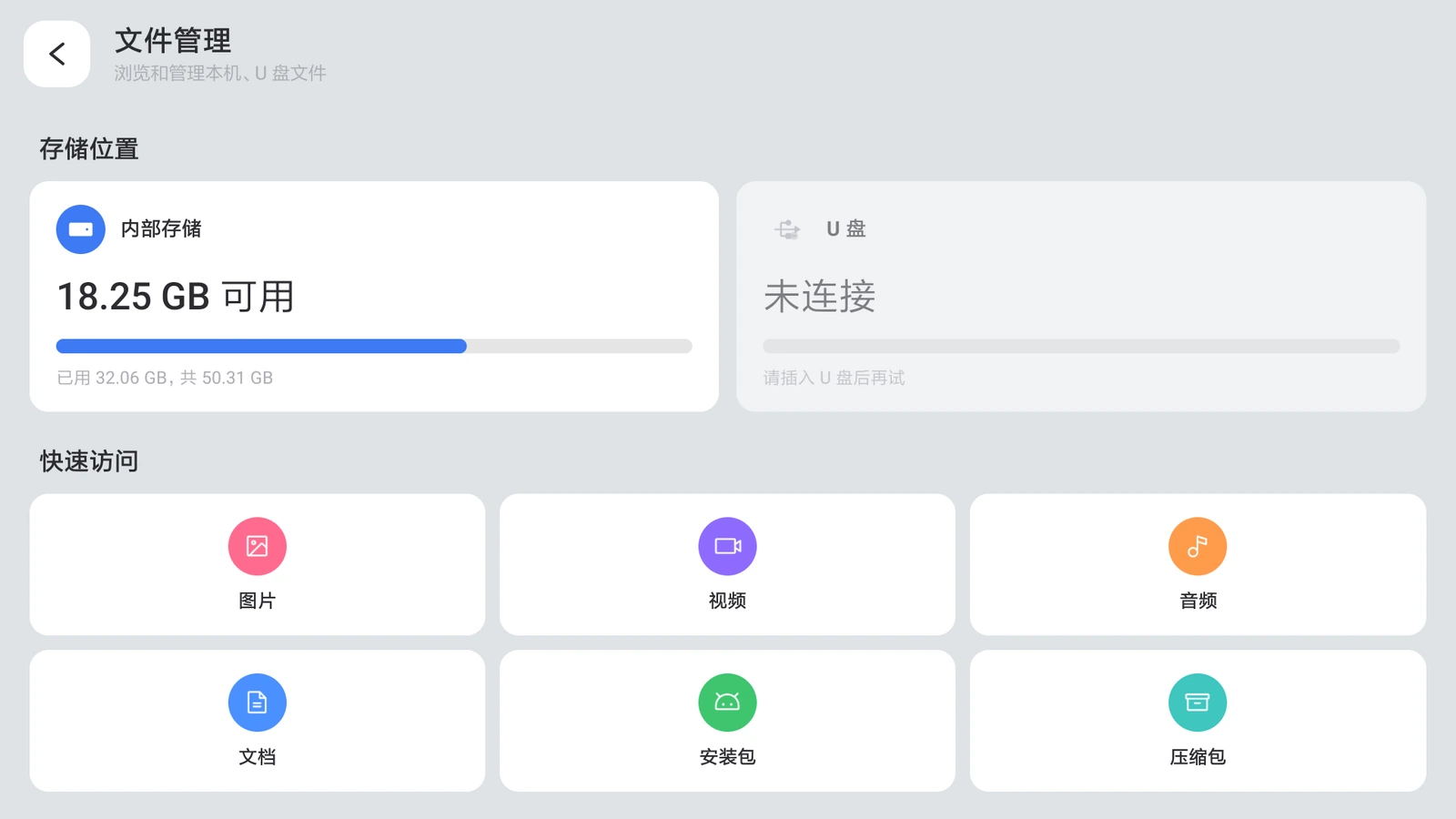
Manage internal and USB media by category, beam APKs and FLAC tracks wirelessly from your phone browser, and connect supported CarPlay or physical secondary displays.
Device screenshot · Local file categories · Chinese interface
GAUGES & ACCESSORIES
Live telemetry from connected hardware.
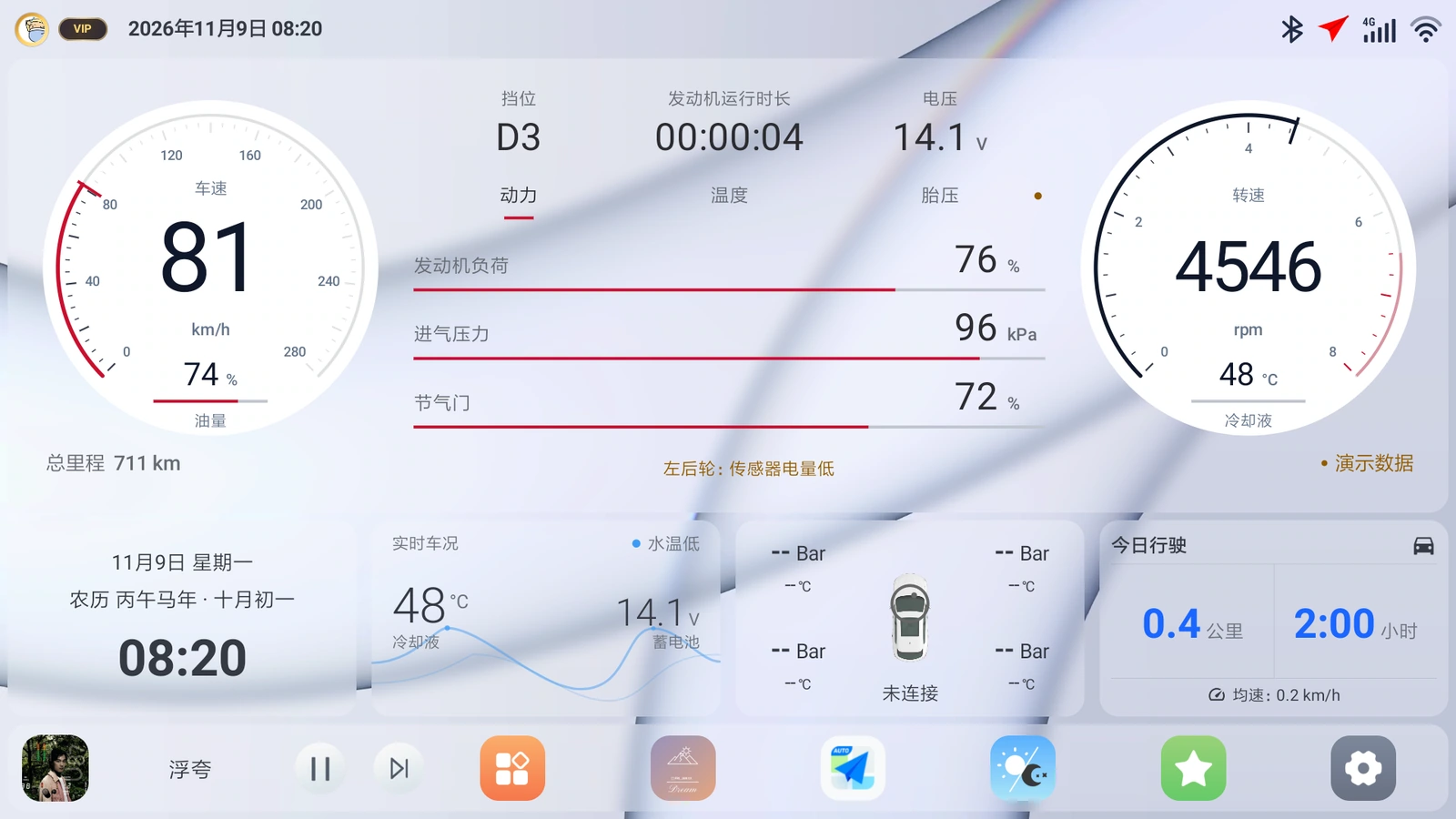
Bring compatible TPMS sensors, OBD adapters, USB GPS receivers and Bluetooth thermometers into one hub—complete with live gauges, fault diagnostics and RPM sound profiles.
Device screenshot · Built-in demo data · Chinese interface
SMARTCAR CONNECT IN WECHAT
Step out of the car. Stay in touch.
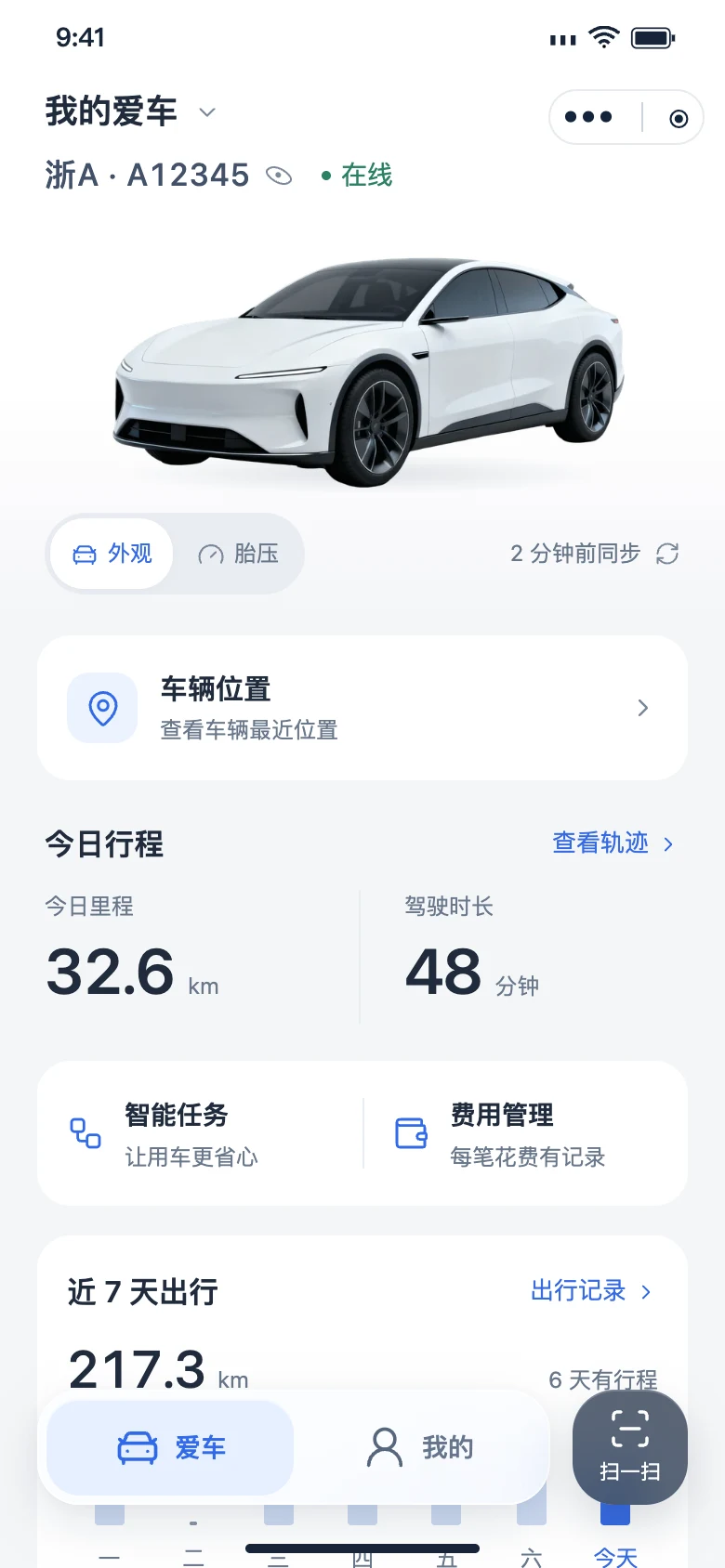
Open SmartCar Connect in WeChat with zero extra app installs—check last reported parking spots, replay trip routes, track maintenance & expenses, and share access with family.
Note: Captures show anonymized demo data. Navigation, PiP, CarPlay, accessory readings and system controls depend on hardware compatibility and permissions; select themes and cloud services require membership.
SIX COCKPIT LAYOUTS
Six layouts. Find your fit.
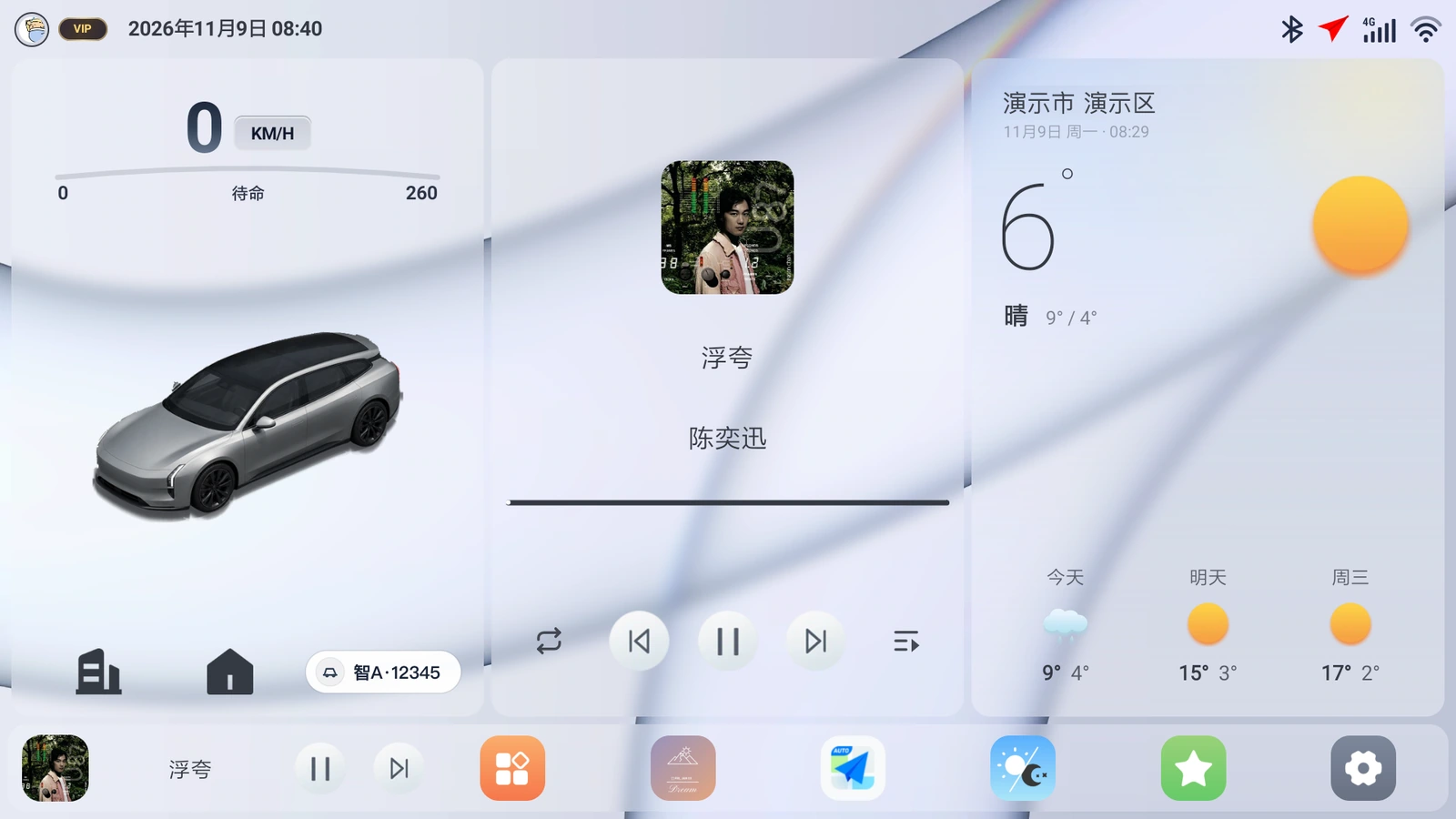
ComfortBalanced everyday cockpitOrganized cards put music, time and everyday apps within reach.
Click any screen to inspect full-resolution details
FocusMaximum map canvasGive navigation and your main content more room.
Click any screen to inspect full-resolution details
DynamicFlexible multi-size cardsCombine small and large cards alongside maps and everyday information.
Click any screen to inspect full-resolution details
MinimalClean 3-page split viewA simple split layout with three pages of everyday content.
Click any screen to inspect full-resolution details
PiPResizable multi-app windowsMultiple app windows with adjustable proportions in compatible environments.
Click any screen to inspect full-resolution details
WallpaperFull-bleed photo & videoPut an image or video first, with clock, music and app widgets arranged around it.
Click any screen to inspect full-resolution details
SmartCar Launcher 3.5.0 device screenshots in Chinese. Plates and previous weather locations are anonymized; maps use a mock location.
WECHAT MINI PROGRAM · SMARTCAR CONNECT
Out of the driver’s seat.Still right by your side.
Locate your parked car, review past drives, track insurance and service reminders, or prepare tomorrow’s startup routine from your couch—synced automatically on next boot.
Location & journeysFind your car. Revisit a drive.
Smart routinesSet up your everyday actions.
Family sharingOne car. A shared view.
Make everyday driving a little simpler.
The things you care about, in view.
Vehicle location
Right whereyou left it.
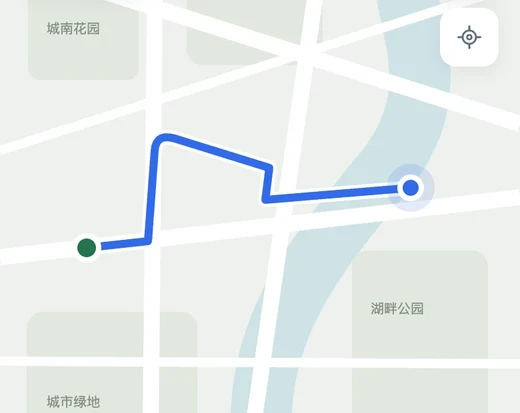
Check the map. See where you parked.Then navigate to your car with less searching.
Last reported location
Navigate to your car
Location requires an online head unit with reporting enabled.
Vehicle location · Synced
Last sync2 min ago
Journey history
Every journey.Worth a look back.
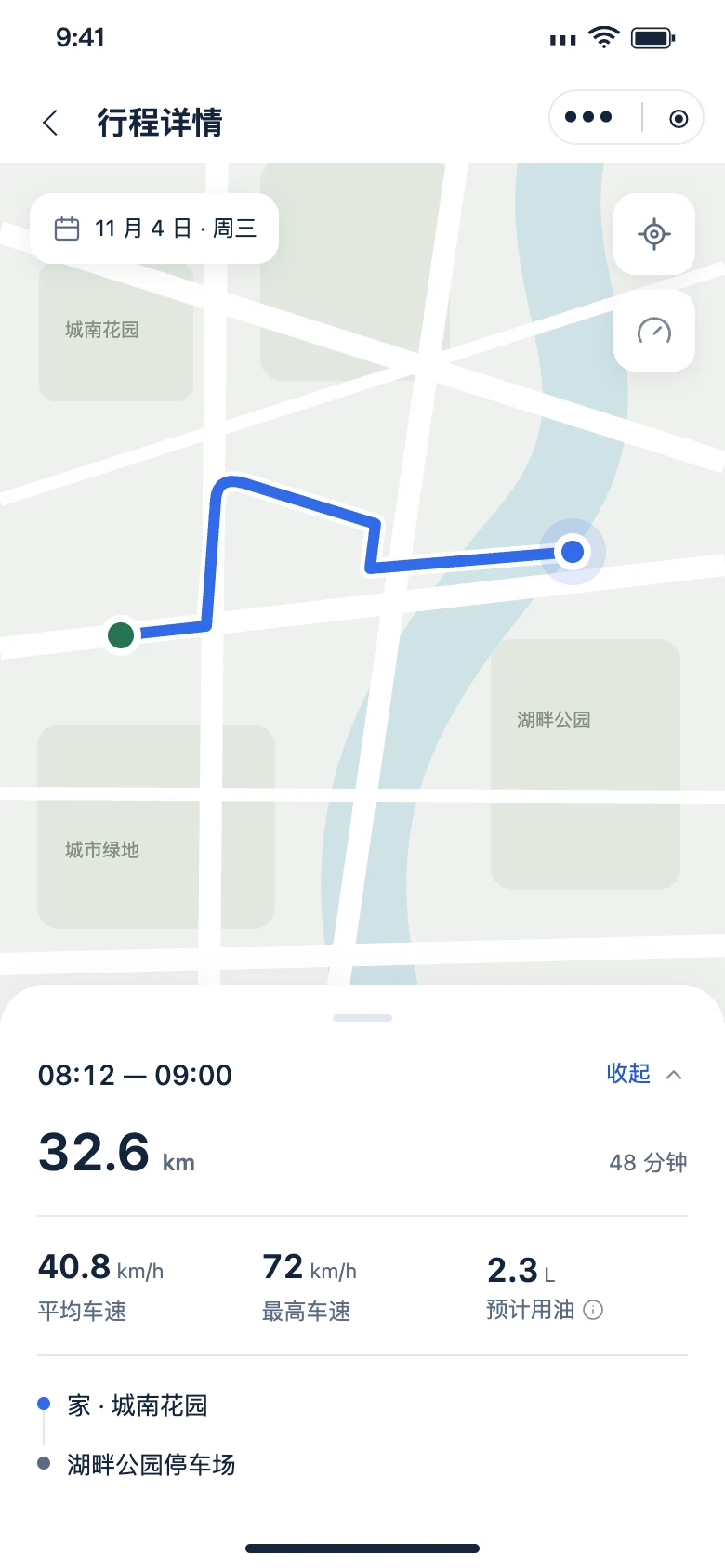
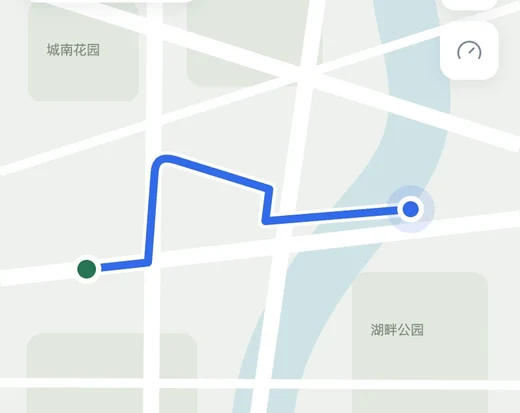
See how far you drove and where you went.Routes and trip details, all in one place.
Revisit your route
Distance & duration
Journeys depend on the data uploaded by your head unit.
This drive · Synced
Driven today32.6 km
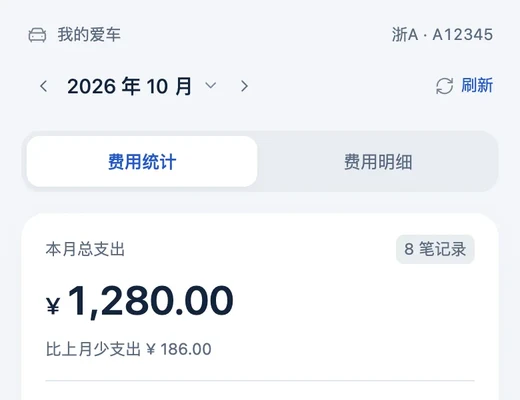
Car expenses
Every expense.Clearly recorded.
Log fuel, parking and maintenance as you go.See monthly spending and understand your costs.
Monthly records
Spending trends
Expense summaries are based on the bills you record.
Car expenses · Example
Recorded this month¥ 1,280
The little things, taken care of.
Less to remember. More peace of mind.
Smart routines
Your usual actions, on cue.
Set conditions and actions on your phone. Let your head unit play music and start navigation your way.
WhenSmartCar starts
Play music
Navigate to work
Example routine
Start with a template, or import a shared routine code.
Car care
Know when the next service is due.
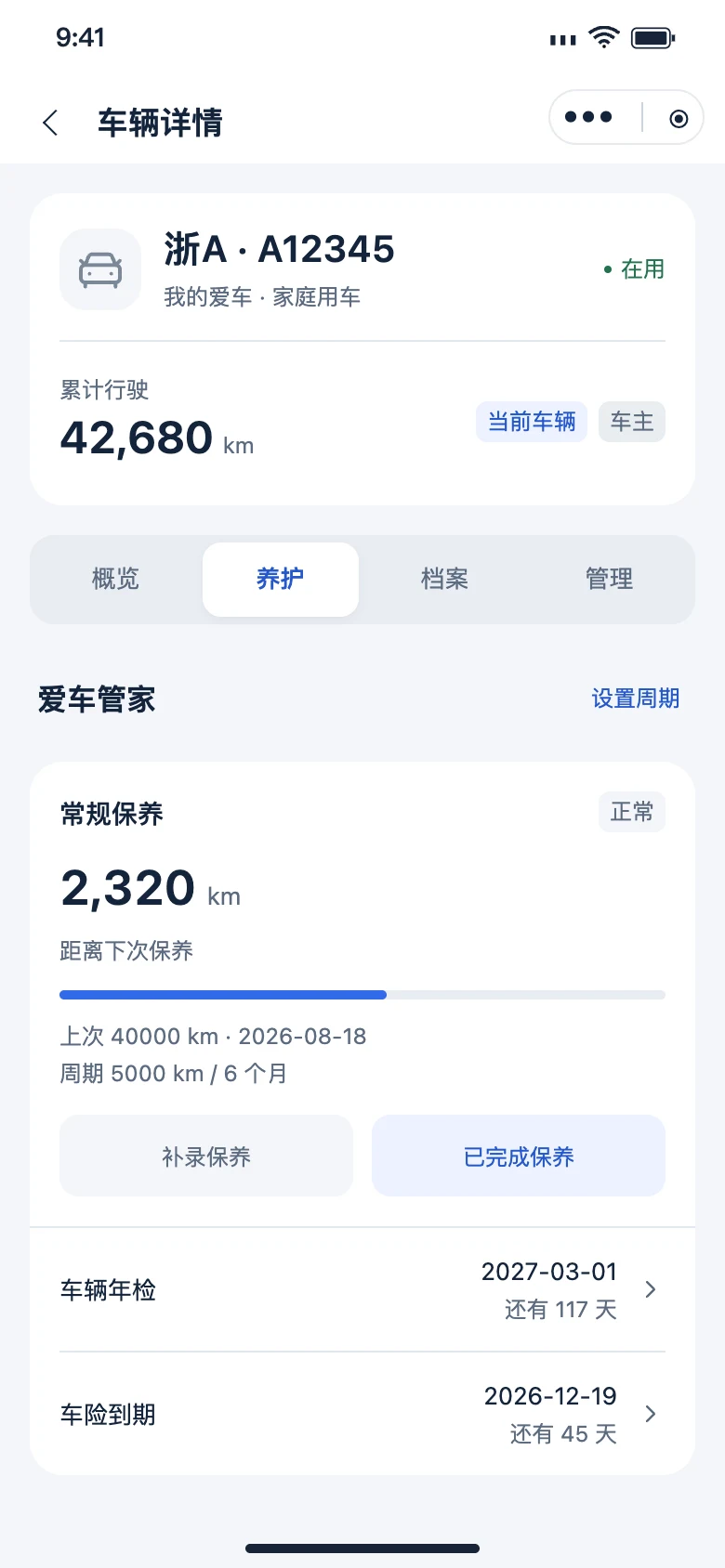
Plan servicing by time and mileage. Keep inspection and insurance dates in your vehicle profile, too.
Until the next service
2,320km
Inspection117 days left
Insurance45 days left
Example care data
Owners maintain intervals and dates to see the distance and days remaining.
Family sharing
Your family car. A shared view.
Invite family to view shared car information. Owners manage members, with separate access for each car.
Family carShared
Me
OwnerManages the car & members
FamilyViews shared information
Example shared members
You can also share a current trip’s location with someone waiting for you.
Available routine actions depend on head-unit support, permissions and plan. Screens and data are illustrative; app screenshots show the Chinese interface.
Your car, right in WeChat.Open SmartCar Connect and connect your car.Scan to start
Scan in WeChat to connect.
Or search for “智车互联” in WeChat
Scan and sign in, then scan the vehicle binding code on your head unit to view synced information.