One head-unit screen.Six distinct cockpit personalities.
Every frame is captured on real Android hardware with anonymized data. Switch desktop layouts, drag the daylight-to-night slider, or open any capture in full-resolution zoom.
SIX COCKPIT LAYOUTS
Six layouts. Find your fit.
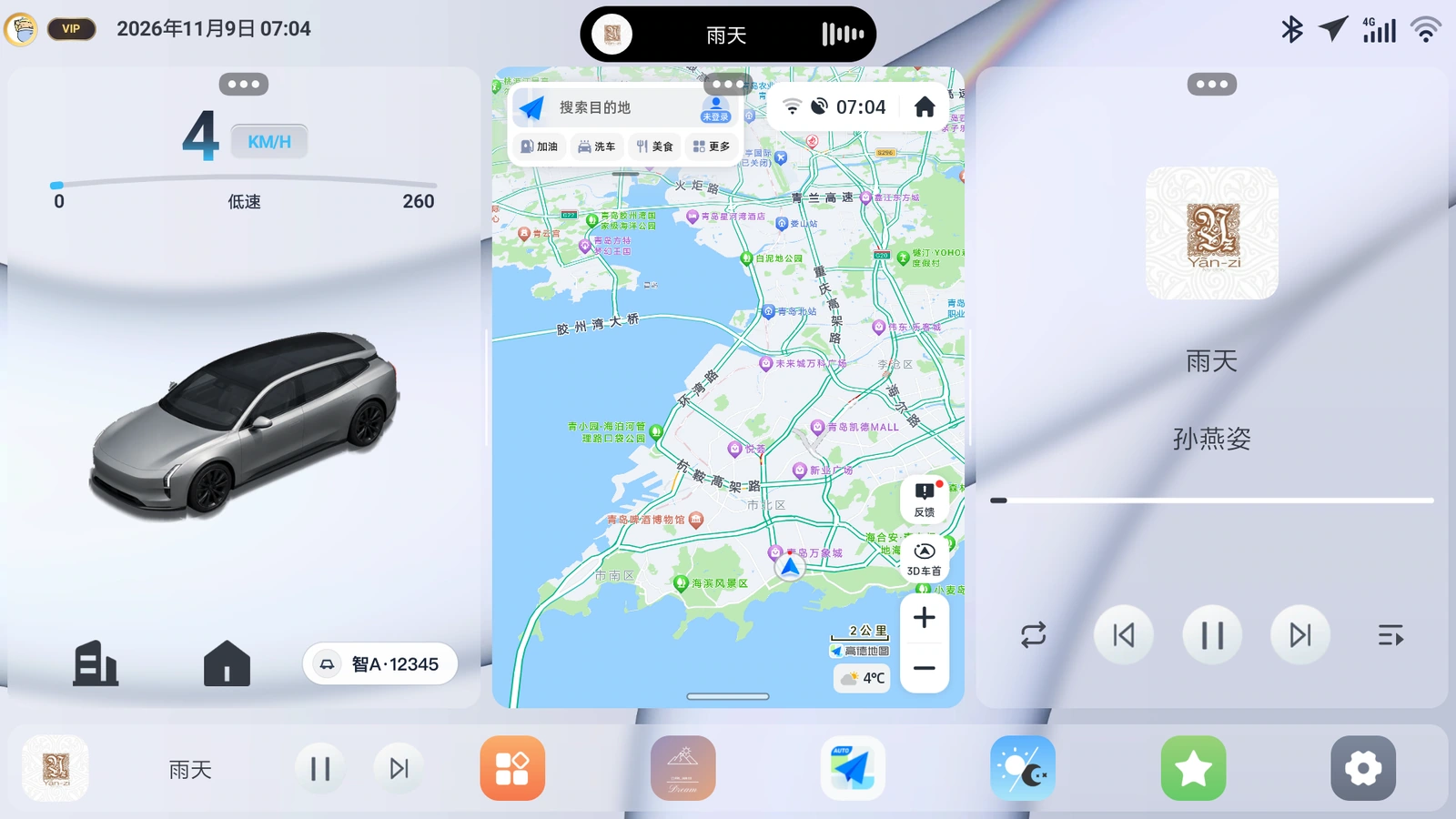
ComfortBalanced everyday cockpitOrganized cards put music, time and everyday apps within reach.
Click any screen to inspect full-resolution details
FocusMaximum map canvasGive navigation and your main content more room.
Click any screen to inspect full-resolution details
DynamicFlexible multi-size cardsCombine small and large cards alongside maps and everyday information.
Click any screen to inspect full-resolution details
MinimalClean 3-page split viewA simple split layout with three pages of everyday content.
Click any screen to inspect full-resolution details
PiPResizable multi-app windowsMultiple app windows with adjustable proportions in compatible environments.
Click any screen to inspect full-resolution details
WallpaperFull-bleed photo & videoPut an image or video first, with clock, music and app widgets arranged around it.
Click any screen to inspect full-resolution details
SmartCar Launcher 3.5.0 device screenshots in Chinese. Plates and previous weather locations are anonymized; maps use a mock location.
AMBIENT LIGHT & GLARE CONTROL
Crisp under midday sun.Calm and glare-free after dark.
Drag the split handle or tap a preset below to compare the exact same Comfort layout across bright daylight and low-glare night driving.
DAYLIGHT · High-Contrast ClarityNIGHT · Low-Glare Dark Palette
Automatic Sunrise & Sunset SyncSmoothly transitions palette based on local daylight hours
Headlight Signal IntegrationSwitches instantly upon entering tunnels on compatible units
Manual Palette LockKeep full-time dark or light mode whenever you prefer
INTERFACE CLOSE-UPS
Crafted cockpit aesthetics,down to every micro-interaction.
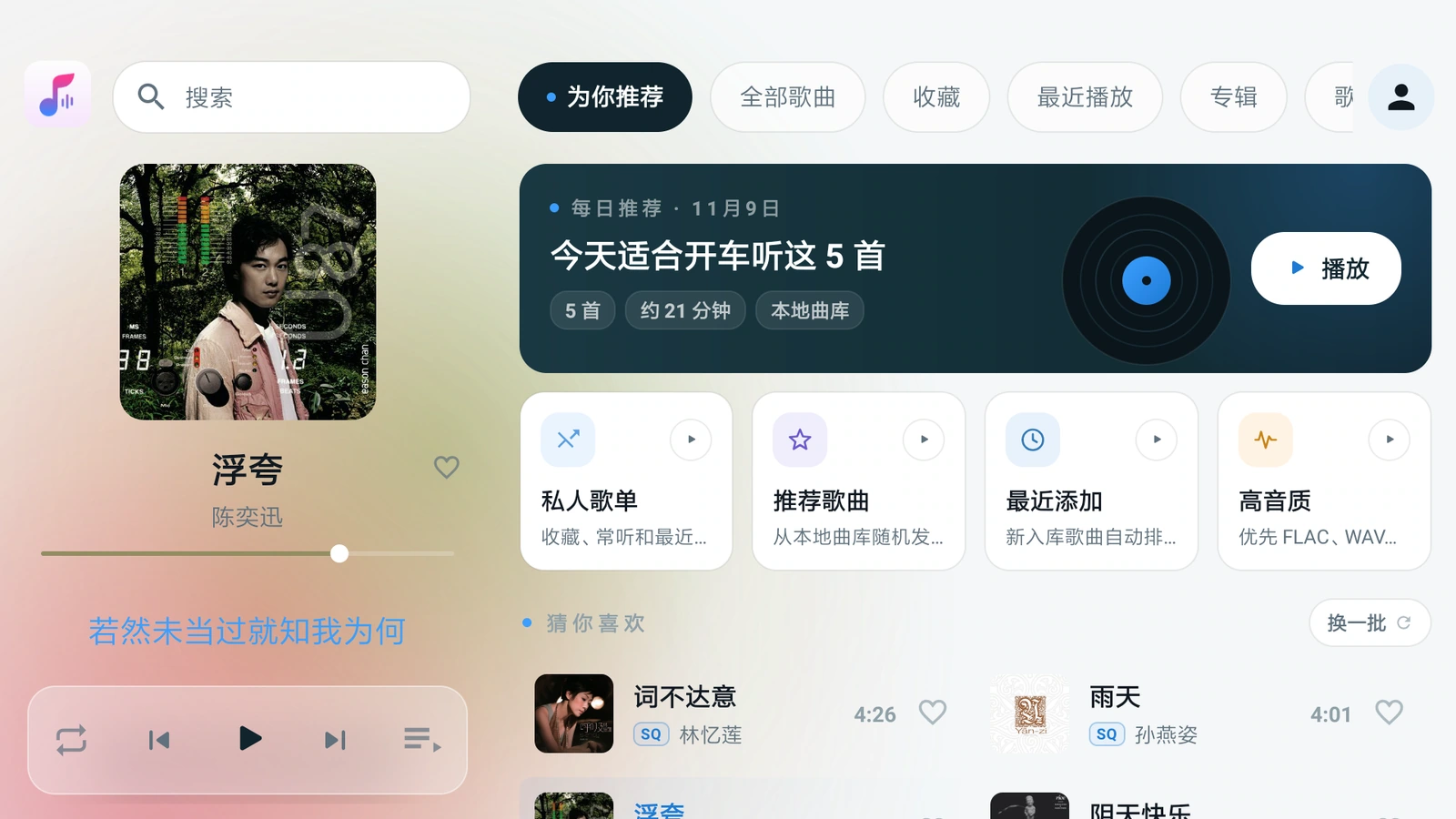
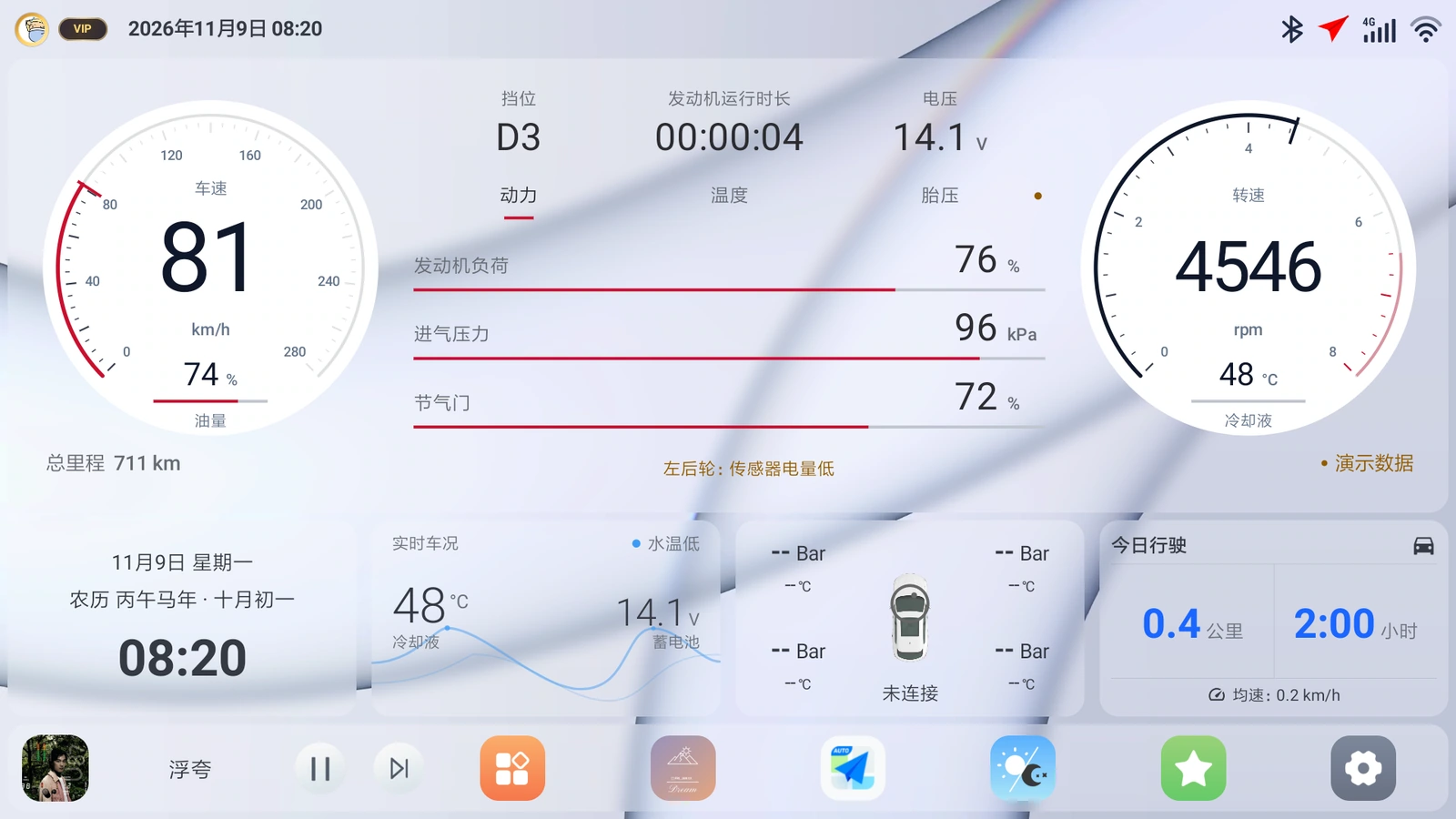
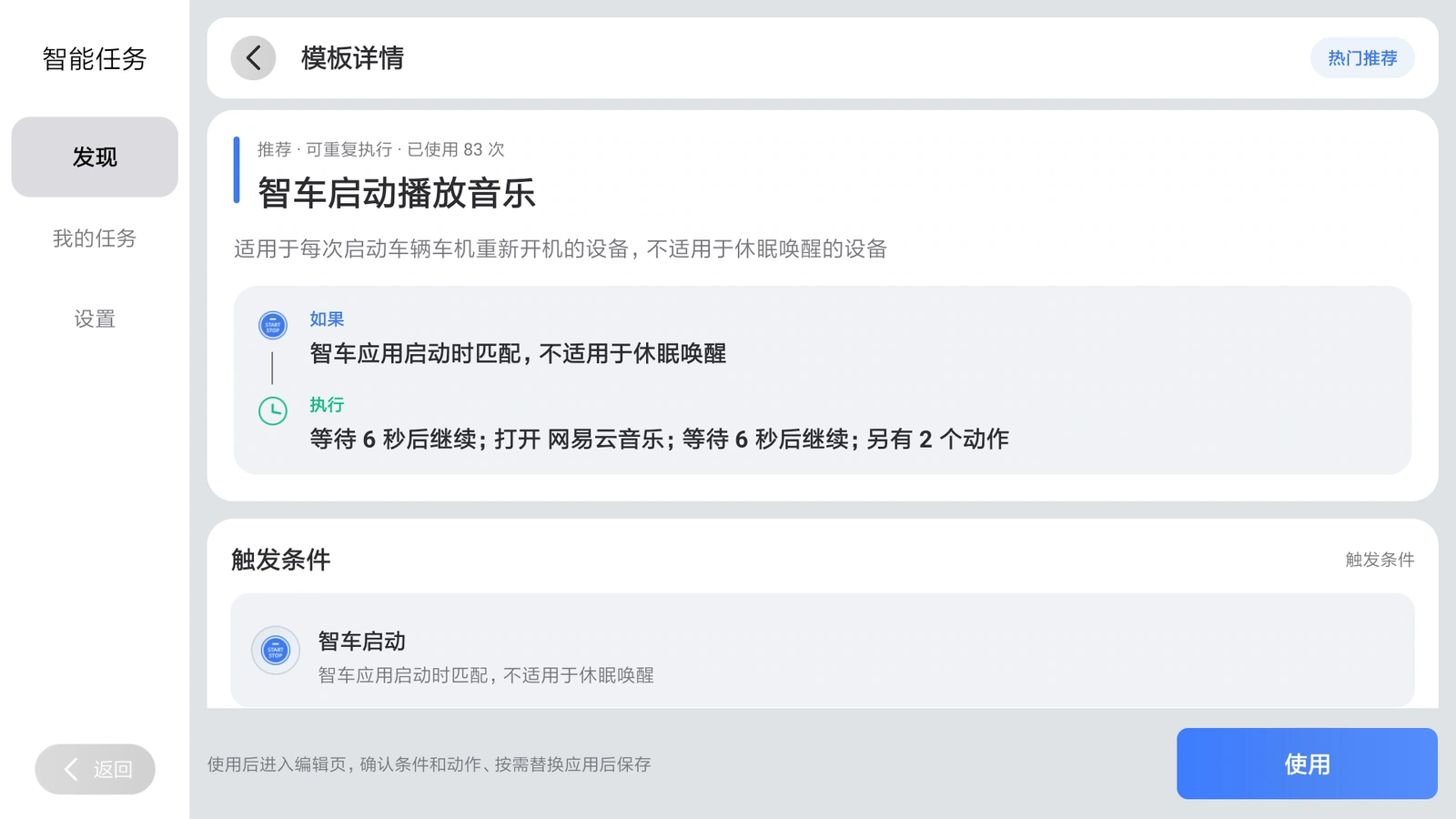
Click any capture to launch the full-resolution lightbox with scroll zoom and keyboard arrow navigation (Chinese UI shown).

 Zoom



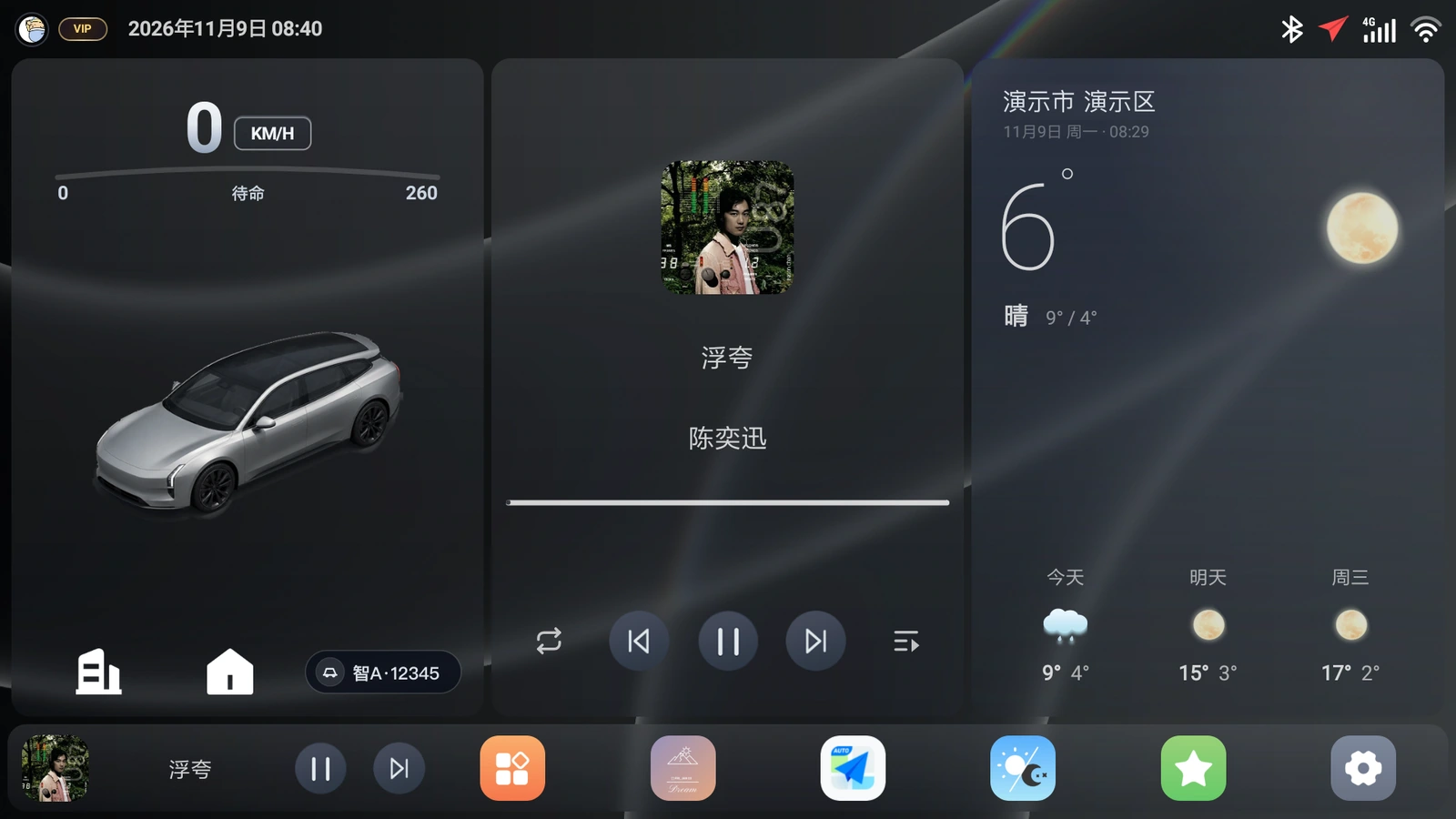
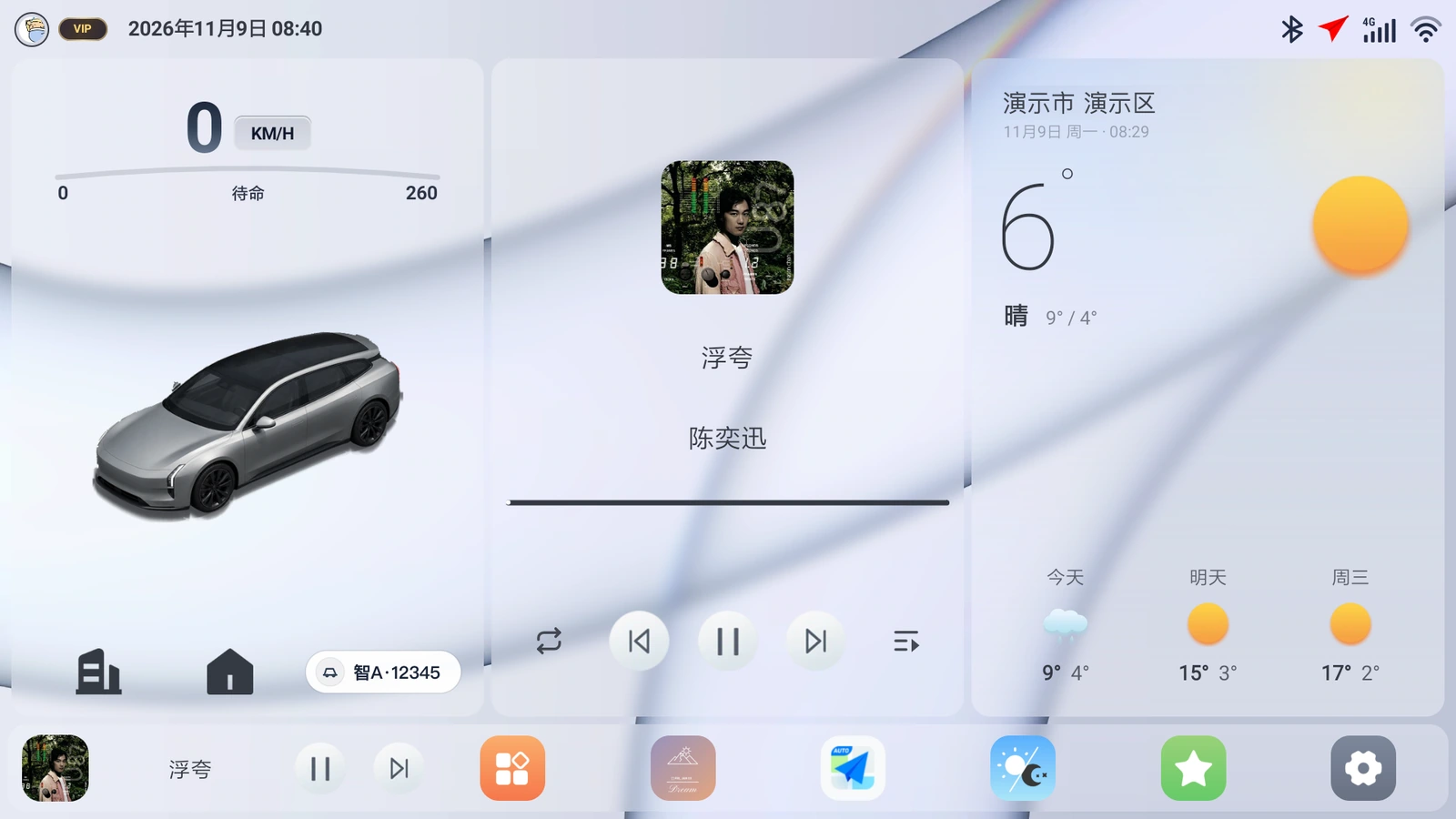 DAYLIGHT · High-Contrast ClarityNIGHT · Low-Glare Dark Palette