



















SMARTMUSIC · FOR YOUR HEAD UNIT

Artwork. Lyrics. Layout.Rebuilt for the road.

A music player built for Android head units. It fills in missing artwork and lyrics, and has a layout for every screen: landscape, portrait and ultra-wide.

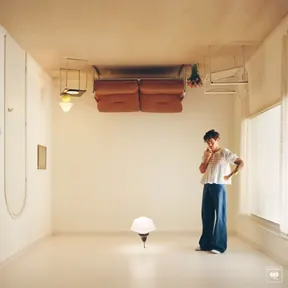
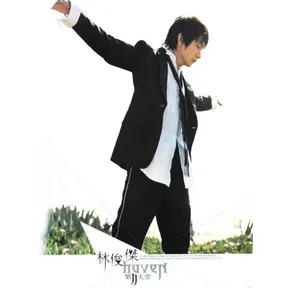
It starts with a songthat has no artwork.

01Artwork

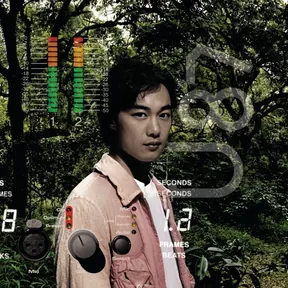
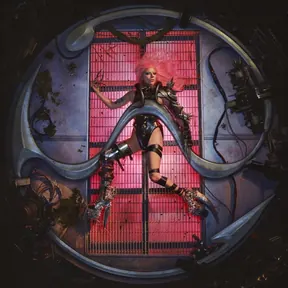
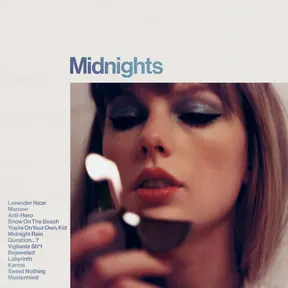
Missing artwork?Filled in.

If a song has its own artwork, that’s what you see. If not, it looks online.

Online matching is a setting you turn on. What it finds stays inside the app, and your music files are left as they are. Wrong cover? Tap once in the player to match again.

  • Embedded first
  • Online matching
  • One-tap re-match

Artwork, done.Now, the sound.

02Sound

Lossless music.

Played as is.

FLAC and WAV play directly, no converting. High-sample-rate FLAC on a USB drive still skips cleanly. Every track is tagged Hi-Res, SQ or HQ, so the good stuff stands out.

  • Lossless playback
  • Hi-Res · SQ · HQ
  • Lossless from USB

Hear every word.Now read them.

03Lyrics

Lyrics,right on cue.

A same-name .lrc file or lyrics inside the song always come first. Nothing there? Turn on online matching and they appear. Four text sizes, and translations alongside when available.

  • Same-name .lrc
  • Embedded lyrics
  • Four text sizes
  • Translations

Parked.The song waits for you.

04Resume

Engine off.Pick up next time.

The song you were on and the queue you lined up are still there next drive.

Set it to start playing as soon as it opens, or go straight to the player. Taking a break? A sleep timer pauses after 15, 30 or 60 minutes.

  • Resume on launch
  • Autoplay
  • Sleep timer

All on one screen.

DESIGNED FOR THE DASH

Laid out for the driver’s seat.

Playback, always in reach.

Controls stay on the left. Browse on the right.

Upright. Just as easy.

The player docks at the bottom, right by your hand.

Ultra-wide. Nothing wasted.

Every extra inch goes to your music.

Playback, always in reach.

Controls stay on the left. Browse on the right.

Illustration drawn from the app’s landscape, portrait and ultra-wide layouts, with sample songs. Interface and features may vary by version.

EVERY HEAD UNIT

No two head units alike. It’s ready for that.

Swipe for more
  • System

    01

    Android 5.1 and up

    Older head units can install it without a system update.

  • Chips

    02

    ARM and x86,covered

    Builds for mainstream ARM and x86 head-unit chips.

  • Files

    03

    No file manager? No problem

    A built-in folder picker works even on stripped-down head-unit systems.

  • Storage

    04

    USB and SD,found on their own

    Scan only the folders you pick, skip recordings, and filter out short alert sounds.

  • Buttons

    05

    Skip from the steering wheel

    Works with system media controls, so when your head unit routes buttons to media apps, skip and pause just work.

  • Navigation

    06

    Quiet when directions speak

    Follows system audio focus: it steps aside for navigation and calls, then picks back up.

  • Margins

    07

    Room for floating widgets

    Five top-margin steps keep floating widgets and the status bar out of the way.

  • Theme

    08

    Day to night,automatically

    Follows the system’s light and dark, or stays dark or light.

  • Language

    09

    Four languages

    Chinese, English, Japanese and Korean, for the app only. Your system language stays put.

  • MP3
  • AAC
  • M4A
  • FLAC
  • WAV
  • OGG
  • Opus

Copy it over. Press play.

MP3, AAC, FLAC, WAV, OGG, Opus. The usual formats just work.

APE, WMA, DSD and similar depend on your head unit’s decoders. Unsupported files show a message and skip ahead.

SMARTMUSIC

Download. Then drive.

Install it, pick your music folder, and go. Artwork and lyrics can fill in online from Settings.

Scan on your head unit or phone to download

For head units on Android 5.1 and up. Install permissions, USB mounting, steering-wheel buttons and audio decoding vary by head unit, so not every vehicle is supported. If you run into issues, contact us through the website.
Install, set up and use the screen only when parked. While driving, keep your eyes on the road.